JPY
 USD
 EUR
 GBP
 CAD
 AUD
 HKD
 KRW
 SGD
 NZD
 THB
 TWD
 繁體中文
 日本語
 한국어
 ไทย
 Français
 Español
 Deutsch
 Português
 italiano
 Nederlands
 English



By UnblockTechTVBox | 20 June 2015 | 0 Comments
How To Reset UBOX Gen 2?
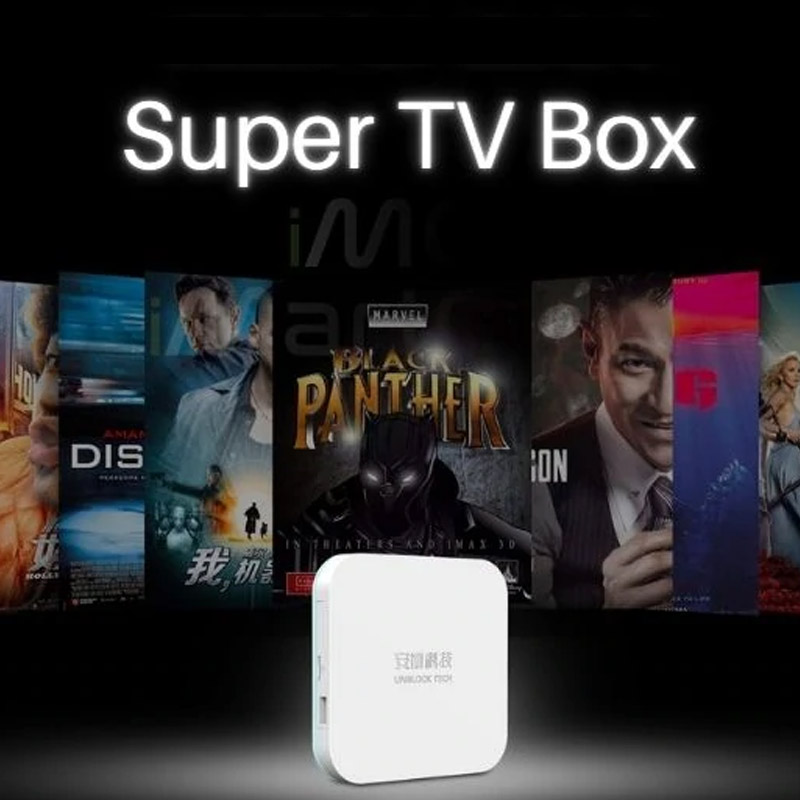
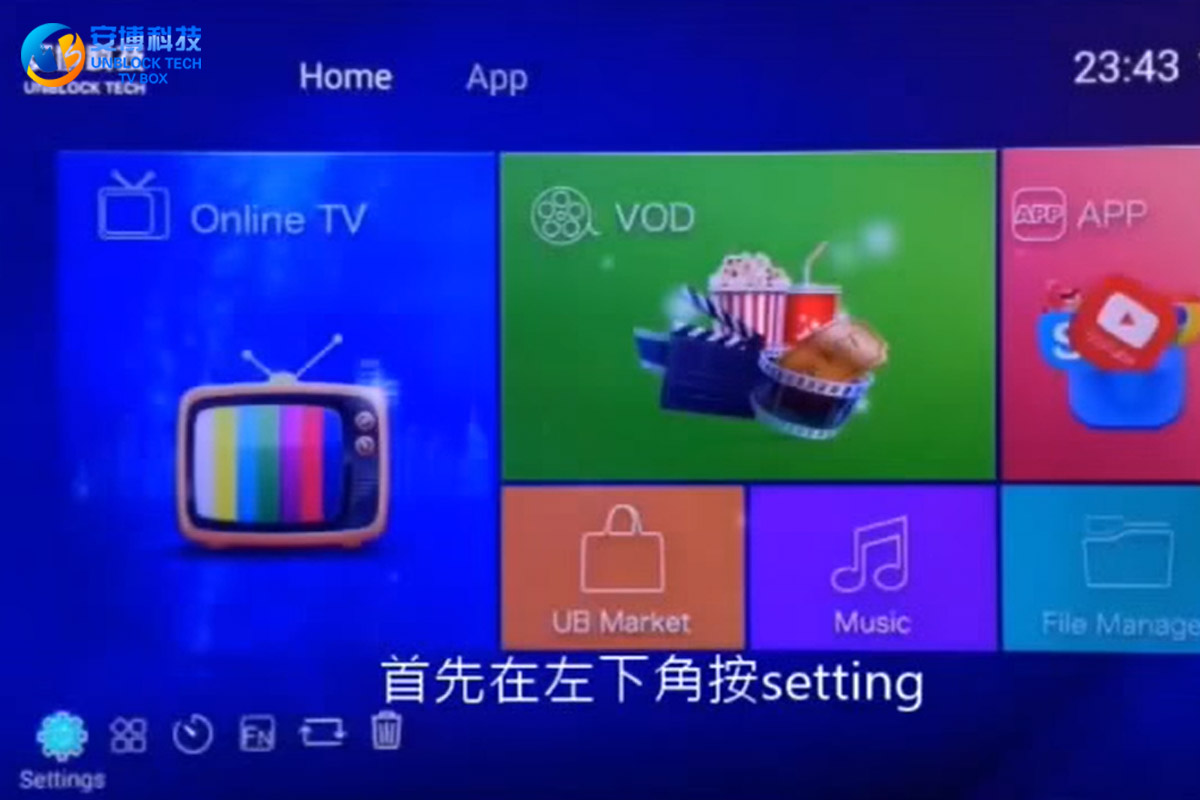
So how can I reset UBOX Gen 2 to factory settings? First, press "setting" in the lower-left corner, enter the menu, and play the drop-down, find the "Backup & reset" option, click on it, find the "Factory data reset" on the left, and click this option. Select "Reset MediaBox" below and press "Erase everything" again. After that, your UBOX 2 will start to factory reset.
20June
POPULAR BLOG
- Can One UNBLOCK TECH UBOX12 PRO Connect to Multiple TVs?
- Unblock Tech UBox 12 Pro Early Black Friday Deals 2026!
- How to Use Mobile APP on UBOX12 Pro: A Complete Mobile TV Streaming Guide!
- How to Choose an Android TV Box in the US and Canada?
- Smart TV vs. Android TV Box: Which Is Better for Your Home Entertainment?
ARCHIVES