EUR
 USD
 GBP
 CAD
 AUD
 HKD
 JPY
 KRW
 SGD
 NZD
 THB
 TWD
 繁體中文
 日本語
 한국어
 ไทย
 Français
 Español
 Deutsch
 Português
 italiano
 Nederlands
 English


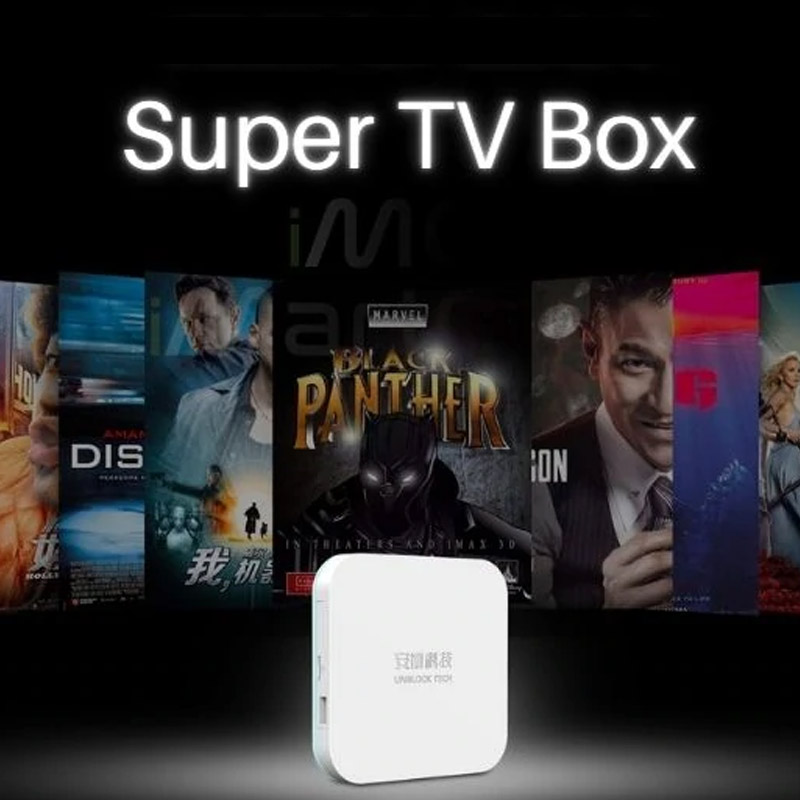

Can One UNBLOCK TECH UBOX12 PRO Connect to Multiple TVs?

If you have several TVs at home, you may be wondering whether one UNBLOCK TECH UBOX12 PRO TV Box can power multiple screens. For example, can you watch your favorite channels in the living room while someone else enjoys movies in the bedroom using the same TV box?
This is a common question among families looking to create a more convenient home entertainment experience without purchasing unnecessary devices.
The answer depends on how many screens you want to use and whether you need to watch content simultaneously.
In this guide, we'll explain how the UNBLOCK TECH UBOX12 PRO works, how many devices it can support at the same time, and what you should consider when setting up entertainment in multiple rooms.
1. Can One UBOX12 PRO Connect to Multiple TVs?
No. One UBOX12 PRO TV Box currently supports one TV display at a time.
The UBOX12 PRO is designed to connect to one display device through its HDMI output. This display can be:
-
A television in your living room
-
A television in your bedroom
-
A projector in your home theater
-
A computer monitor with an HDMI input
You can move the box between different rooms and connect it to different compatible displays, but it is not designed to independently operate multiple TVs at the same time.
For example, if you connect your UBOX12 PRO to the living room TV, you cannot use that same box to independently stream different content on the bedroom TV simultaneously.
If you want entertainment available in several rooms at the same time, you will need a separate UBOX12 PRO for each TV.
2. How Many Devices Can One UBOX12 PRO Support Simultaneously?
One UBOX12 PRO supports the following simultaneous viewing arrangement:
| Device Type | Supported |
|---|---|
| One TV | Yes |
| One projector | Yes |
| One HDMI monitor | Yes |
| One Android smartphone | Yes |
| One Android tablet | Yes |
| Multiple TVs simultaneously | No |
| Multiple smartphones simultaneously | No |
The key advantage is that one UBOX12 PRO can be used with one large-screen display and one compatible mobile device simultaneously.
For example, you can watch a movie on your living room TV while another family member watches supported content on an Android smartphone.
This provides additional flexibility for households where family members have different viewing preferences.
Please note that the mobile viewing feature requires a compatible Android device and the supported mobile application. It does not mean that the box can connect to multiple TVs or multiple mobile devices simultaneously.
3. Living Room and Bedroom: What Is the Best Setup?
Let's look at a few everyday situations to help you understand how the UBOX12 PRO works in a multi-room household.
Scenario A: One TV in the Living Room
If you only want to watch entertainment on your living room TV, one UBOX12 PRO is sufficient.
Simply connect the box to your TV using the HDMI cable, connect it to your internet network, and enjoy your entertainment.
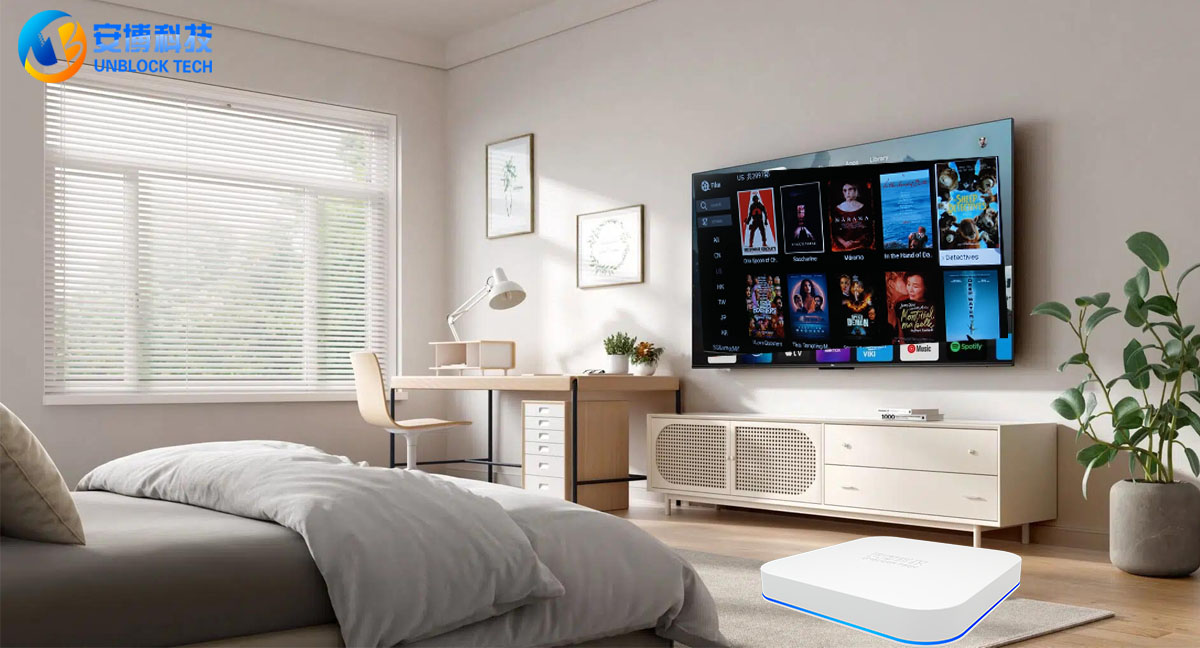
Scenario B: Living Room TV and Bedroom TV at the Same Time
If your family wants to watch different programs in the living room and bedroom simultaneously, you will need two TV boxes.
For example:
-
Living room: One UBOX12 PRO connected to the main TV.
-
Bedroom: Another UBOX12 PRO connected to the bedroom TV.
With two separate boxes, each room can operate independently. Family members can choose different channels, movies, or programs without interfering with each other's viewing experience.
Scenario C: One TV and One Smartphone
If you want to watch programs on your TV while another family member uses a smartphone, one UBOX12 PRO can support this arrangement through its compatible mobile viewing feature.
This is particularly useful when someone wants to watch television in the living room while another person prefers to enjoy entertainment on a mobile device.
Scenario D: Three or More TVs Around the House
For larger households with several televisions, the recommended solution is to purchase one UBOX12 PRO for each TV you want to use independently and simultaneously.
For example:
| Room | Recommended Setup |
|---|---|
| Living Room | 1 × UBOX12 PRO |
| Master Bedroom | 1 × UBOX12 PRO |
| Guest Bedroom | 1 × UBOX12 PRO |
| Home Theater | 1 × UBOX12 PRO |
This setup allows each room to have its own independent entertainment system.
4. Why Do You Need a Separate TV Box for Each TV?
You might wonder why one TV box cannot simply distribute entertainment to every television in your home.
The reason is that the UBOX12 PRO is an individual streaming device, not a centralized multi-room distribution system.
Each box has its own HDMI connection, streaming interface, and playback operation.
Using a separate box for each TV offers several advantages:
Independent Entertainment
Different family members can watch different programs at the same time without having to share one screen or interrupt someone else's viewing.
Individual Control
Each TV has its own interface and remote control, allowing users to browse channels and select their favorite content independently.
Greater Convenience
You do not need to unplug and move one TV box between rooms whenever someone wants to watch something elsewhere.
A Better Family Viewing Experience
Whether your family enjoys movies, international television channels, sports, or entertainment programs, everyone can enjoy their preferred content in their own space.
5. What Do You Need to Set Up UBOX12 PRO in Multiple Rooms?
Setting up a multi-room entertainment system is straightforward.
For each TV you want to operate independently, you will need:
-
One UNBLOCK TECH UBOX12 PRO TV Box.
-
One television or compatible display with an HDMI input.
-
A stable internet connection.
-
A power outlet.
-
An HDMI cable.
Once everything is connected, follow the on-screen setup instructions to configure your device.
You do not need to purchase a special multi-room hub to use separate UBOX12 PRO devices in different rooms.
6. Is Buying Multiple UBOX12 PRO Devices Worth It?
If you have several TVs and want to use them independently, purchasing multiple boxes is generally the most convenient solution.
Instead of sharing one device between different rooms, every television can have its own dedicated entertainment system.
The UBOX12 PRO is designed for convenient home entertainment, featuring:
-
Android 12 operating system.
-
Allwinner H618 processor.
-
4GB RAM and 64GB storage.
-
Wi-Fi 6 connectivity.
-
Bluetooth 5.0.
-
Access to a wide range of supported live TV channels and on-demand entertainment.
-
Compatible mobile viewing through supported Android applications.
For families who enjoy entertainment in different rooms, having a dedicated box for each TV can make everyday viewing much easier.
7. Frequently Asked Questions (FAQ)
Q1: Can I connect one UBOX12 PRO to two TVs using an HDMI splitter?
The UBOX12 PRO is designed for one display at a time. Although an HDMI splitter may duplicate the same video output to multiple screens, it does not provide independent viewing. Both screens would display the same content, with no separate channel selection or playback control. We recommend one box per TV for independent viewing.
Q2: Can I watch different channels on two TVs using one UBOX12 PRO?
No. One UBOX12 PRO cannot independently stream different programs to two TVs simultaneously. You will need two separate TV boxes.
Q3: Can I use one UBOX12 PRO in the living room today and move it to the bedroom tomorrow?
Yes. You can disconnect the box and move it to another compatible display with an HDMI input. However, it can only operate one display at a time.
Q4: Can I watch TV on my television and smartphone at the same time?
Yes. One UBOX12 PRO supports one TV or other compatible HDMI display and one compatible Android smartphone or tablet simultaneously through its supported mobile viewing feature.
Q5: Can I connect two smartphones to one UBOX12 PRO at the same time?
No. The supported mobile viewing arrangement is limited to one compatible mobile device at a time.
Q6: If I have three TVs, how many UBOX12 PRO devices should I buy?
If you want all three TVs to operate independently at the same time, you should purchase three UBOX12 PRO devices.
Q7: Does every TV need a separate internet connection?
Not necessarily. Each box needs internet access, but multiple boxes can generally connect to the same home Wi-Fi router, provided your internet connection and router have sufficient capacity.
8. Enjoy Entertainment in Every Room with UNBLOCK TECH
The UNBLOCK TECH UBOX12 PRO is an excellent option for households looking for convenient entertainment on their television and a compatible Android mobile device.
Remember the simple rule:
-
One TV + one Android smartphone or tablet: One UBOX12 PRO.
-
Two TVs operating independently: Two UBOX12 PRO devices.
-
Three TVs operating independently: Three UBOX12 PRO devices.
Whether you are setting up your living room, bedroom, guest room, or home theater, choosing the right number of devices will help you enjoy a more convenient and flexible entertainment experience.
Ready to upgrade your home entertainment?
Explore the UNBLOCK TECH UBOX12 PRO at our official store and find the right setup for your household.
Official Store: https://www.unblocktechtvbox.com/
Shop smart, enjoy more, and bring entertainment to every room!